
The database IDE
you deserve.
Native macOS app. Rust-powered speed. AI-enhanced workflow.
A serious alternative to bloated Electron tools.
v2.0.4 • Apple Silicon Optimized
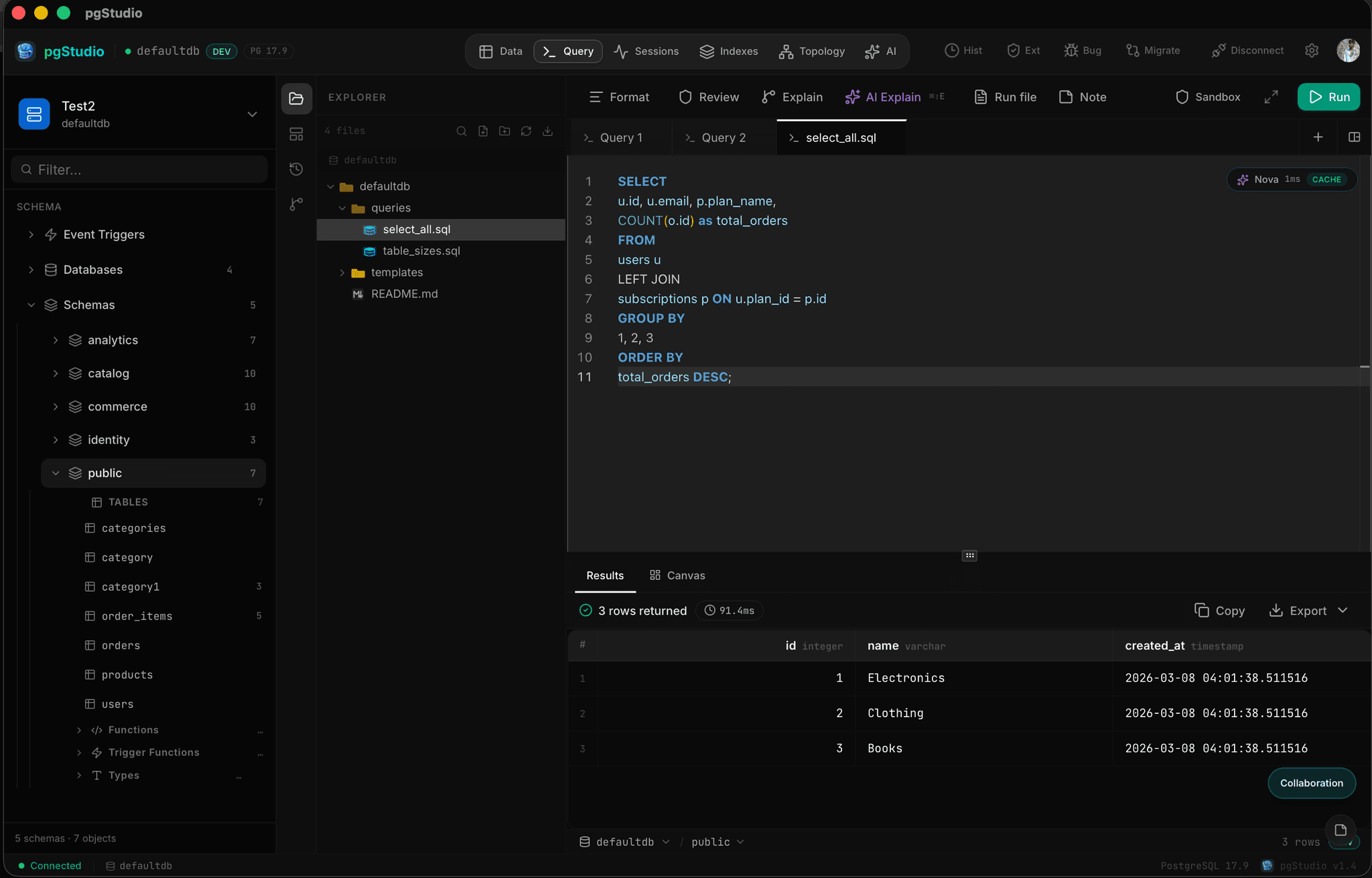
Design schemas and run SQL,
beautifully integrated.
Experience a native desktop environment where your visual database structures, powerful SQL pipelines, and rich documentation live in perfect harmony.
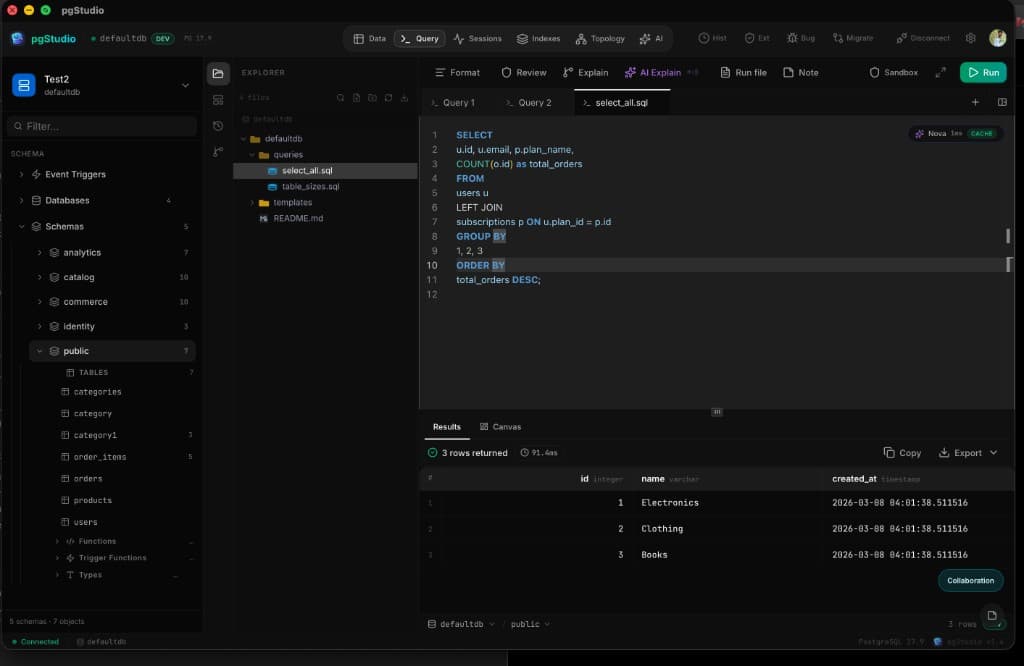
Schema Designer
Visually map out database structures with an intuitive drag-and-drop designer. Manage schemas, tables, and relationships effortlessly.
- VS Code-style file explorer
- Instant visual modeling
- Seamless table management
Smart SQL Editor
Write queries faster in a modern editor equipped with syntax highlighting, robust autocompletion, and integrated AI assistance.
- AI-powered auto-complete
- Built-in performance insights
- Historical query tracking
Rich Documentation
Maintain Notion-style rich text documents right alongside your SQL files to document architecture and share complex logic.
Collaboration Launchpad
Create rooms, invite teammates, or schedule sessions. One place to start and join pgStudio collaboration sessions.
Create room
Generate a shareable link and invite others to join your session in one click.
Join room
Enter a room ID or paste the invite link to open the session in pgStudio.
Works with direct invite links and desktop deep links.
Schedule session
Set a title, time, and duration. Get a shareable link for your team meeting.
Reduce collaboration overhead.
Create a shared SQL workspace to boost productivity and foster a collaborative data culture. Edit together in real time, share your camera and screen, chat with teammates, and see query results live—all inside the desktop app.
Engineered for speed.
Leave bloated, slow database tools behind. pgStudio is built with a Rust core to deliver uncompromised performance.
Rust-Powered Core
Powered by Tauri and Rust. Experience native speed, minimal memory footprint, no JVM, and zero GC pauses. 10× faster startup than Electron-based tools.
Infinite Scroll
Virtualized result tables render only visible rows. Smooth scrolling and low memory, even with 100k+ rows.
Native macOS
A true Developer Tool built for macOS, not a sluggish web wrapper. Feels right at home on your Mac.
Zero-Trust Security
Your credentials never leave your machine. Stored encrypted on-device. Direct database connections only—no cloud relays, no telemetry.
Leave the bloat behind.
Built from the ground up in Rust. No JVM overhead. No Chromium instances. Just raw, unadulterated performance that respects your machine's resources.
Idle Memory Usage Comparison
Everything you need.
Deep visibility into your database structure and performance. Manage everything visually or via SQL.
Smart SQL Editor
Monaco-based editor with syntax highlighting, autocomplete, and inline error hints. Write and run queries without leaving the app.
Schema Topology
Visual dependency graph of tables and foreign keys. Navigate directly from diagram to table.
Session Monitor
Track active queries, connections, blocking queries, and long-running queries in real-time.
Query Plan Viewer
Visualize EXPLAIN ANALYZE output. Understand execution plans, node types, and costs easily.
Command Palette
Hit ⌘K to access the command palette. Fully configurable keyboard shortcuts for all main actions.
Query History
Track past queries and performance metrics (pg_stat_statements style) to identify bottlenecks.
Interact with your data, visually.
Ditch the clunky pagination. The Data Canvas introduces infinite virtualized scrolling through millions of rows, inline spreadsheet-like editing, and geography visualizers.
Inline Editing
Double click any cell to edit it. Changes are batched and reviewed in a SQL sandbox before committing to the database.
Leaflet Map Visualizer
Geometry and geography columns are instantly visualized on a beautiful Leaflet map for spatial data exploration.
AI that knows PostgreSQL.
Supercharge your workflow with a context-aware AI assistant. Generate queries, design schemas, and debug errors faster than ever.
AI SQL Assistant
Conversational AI with full database context. Generate and refine SQL from natural language, paste schema info, and get ready-to-run queries with a one-click "Insert into editor".
40+ Curated Templates
One-click prompts for Queries, Performance, Schema, Data Quality, Security, and Analytics.
Schema Designer AI
Describe your app and generate a full schema with tables, columns, FKs, and optimization suggestions.
Review and version your
SQL like real code.
Treat your queries and schemas as source code. Commit changes, switch branches, diff queries, and create GitHub Pull Requests directly from pgStudio.
main with feature/new-analyticsBranch Management
Create, switch, and merge Git branches for your SQL workspace without opening a terminal. Keep experimental queries separate from production scripts.
Workspace Diff Viewer
See exactly what changed in your SQL files before committing. A VS Code-style side-by-side diff viewer highlights every single addition and deletion.
GitHub PR Integration
Once your SQL changes are ready, create a GitHub Pull Request with AI-generated titles and descriptions right from within the IDE.
Your data never leaves
your machine.
Unlike cloud-based IDEs, pgStudio makes direct TCP connections to your PostgreSQL instances. No proxies, no data relays, no telemetry.
Direct Connection
Client directly connects to the DB via standard postgres protocols. Completely offline capable.
Encrypted Credentials
Passwords and certificates are securely encrypted and stored natively in your macOS Keychain.
Sandbox Transactions
Run UPDATE/DELETE queries without fear. Destructive actions are wrapped in transactions by default.
No Tracking
Zero analytics, trackers, or product analytics. What happens in pgStudio, stays in pgStudio.
Ready for native speed?
Stop waiting for Electron apps to load. Experience the native performance and AI power of pgStudio today.
Free trial available. No credit card required.